The best puzzle games for seniors to start with have no timer, one rule you can say in a sentence, and a slip that costs you little. Crosswords, sliding tile puzzles and arrow puzzles all fit. You can play them on a phone, a tablet or a computer, and the free ones here run in the browser with no download.
Five checks tell you what’s easy, and eight kinds pass them. Each comes with what it asks of you, then a guide to which to try first. It’s written for you, or for someone you’re choosing a game with, such as a parent or grandparent.
What makes a puzzle game easy to start with
An easy puzzle game passes five checks. The last one depends on your screen as much as the game.
- No clock. Nobody’s racing you. On paper or in a relaxed app you set your own pace, though some crossword apps and contests do time you, so look before you start.
- A cheap slip. A wrong move should cost a little, not the whole game. Loopaway lets you bump the same arrow again for free. Fogmerge has no move limit, and its page says you can’t lose.
- A rule in one sentence. If you can say it out loud (“slide the tiles into number order”), you can start.
- It saves your place. Closing the tab shouldn’t mean starting over. EnjoGames puzzles save automatically in the browser on that device, even mid-level.
- Big targets. Tiny buttons make any game fiddly. Accessibility guidance from the W3C (WCAG 2.2) asks for click and tap targets of at least 24 by 24 pixels, because small controls are hard for people with hand tremors. A tablet gives you more room than a phone.
Two setup tips help with the last one. Zoom the page: in Chrome and Edge, press Ctrl and + on Windows or Cmd and + on a Mac (Ctrl or Cmd and 0 resets it), as listed on the Chrome and Edge help pages. Safari on a Mac uses Command and + too, says Apple. And prop the tablet on a stand, so you aren’t holding it for half an hour.
The 8 kinds, from most familiar to most demanding
1. Crosswords
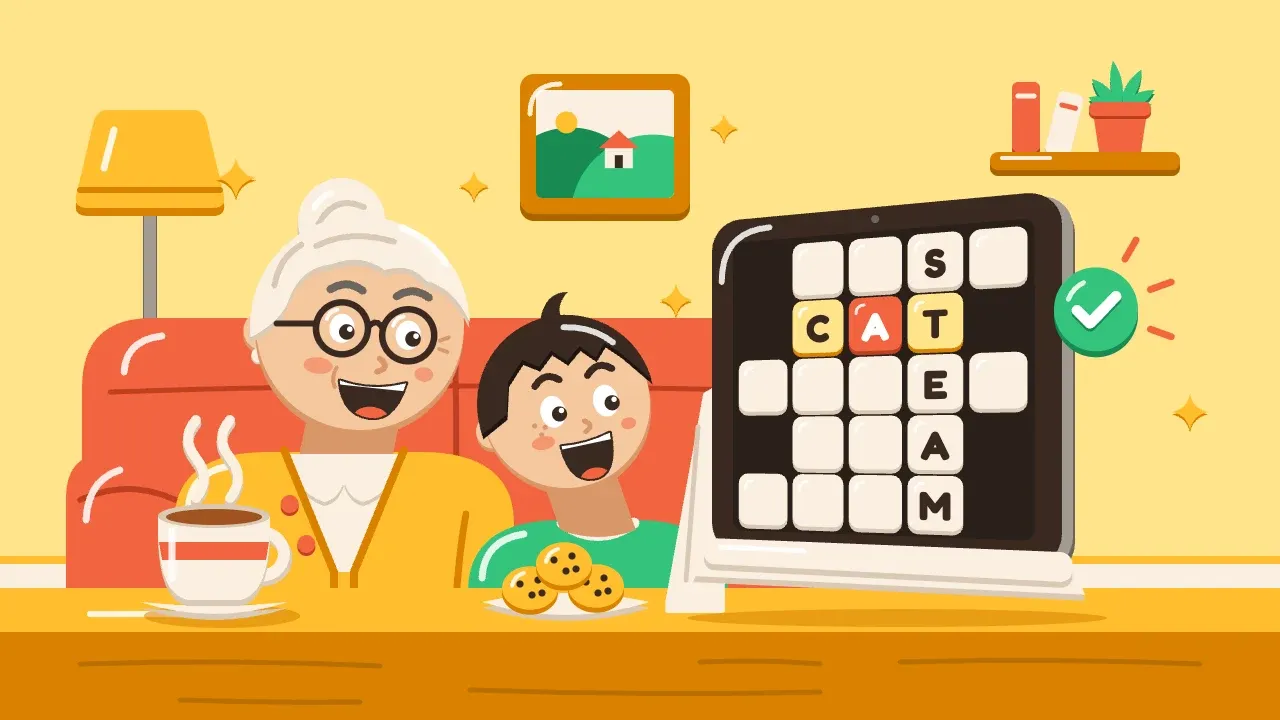
You read a clue, count the squares and write in a word. The answers cross, so every word you finish hands you letters for the next. Why start here? It’s familiar, and on paper you set the pace.
The first modern crossword ran on 21 December 1913 in the New York World, made by journalist Arthur Wynne, says Guinness World Records. It gets hard when a clue is obscure. Fill the sure answers first, then let the crossing letters do the rest. For the method, see how to solve a crossword, which includes a 5x5 practice grid.
2. Word ladders
You turn one word into another by changing a single letter at a time, and every step must be a real word. COLD to WARM takes four steps: COLD, CORD, CARD, WARD, WARM. Each puzzle is short and tidy, so it fits a quiet ten minutes.
Lewis Carroll devised it in 1877 and published it in Vanity Fair in 1879 as “Doublets”, according to Lewis Carroll Resources. It gets hard when two words share few letters and you need a long chain. How to solve a word ladder shows a by-hand method with worked examples.
3. Sliding tile puzzles
You slide numbered tiles around one empty gap until they sit in order, 1 to 8 on a 3x3 board. There’s nothing to read, and every move is reversible: slide the tile back.
The famous 15-tile version caught on in the U.S. and Europe around 1880. Cut The Knot says its real inventor was Noyes Palmer Chapman, a postmaster in Canastota, New York, and that Sam Loyd, long credited, probably didn’t invent it. It’s harder than it looks, so it helps to learn the row-by-row method for a sliding tile puzzle before you start.
4. Arrow puzzles
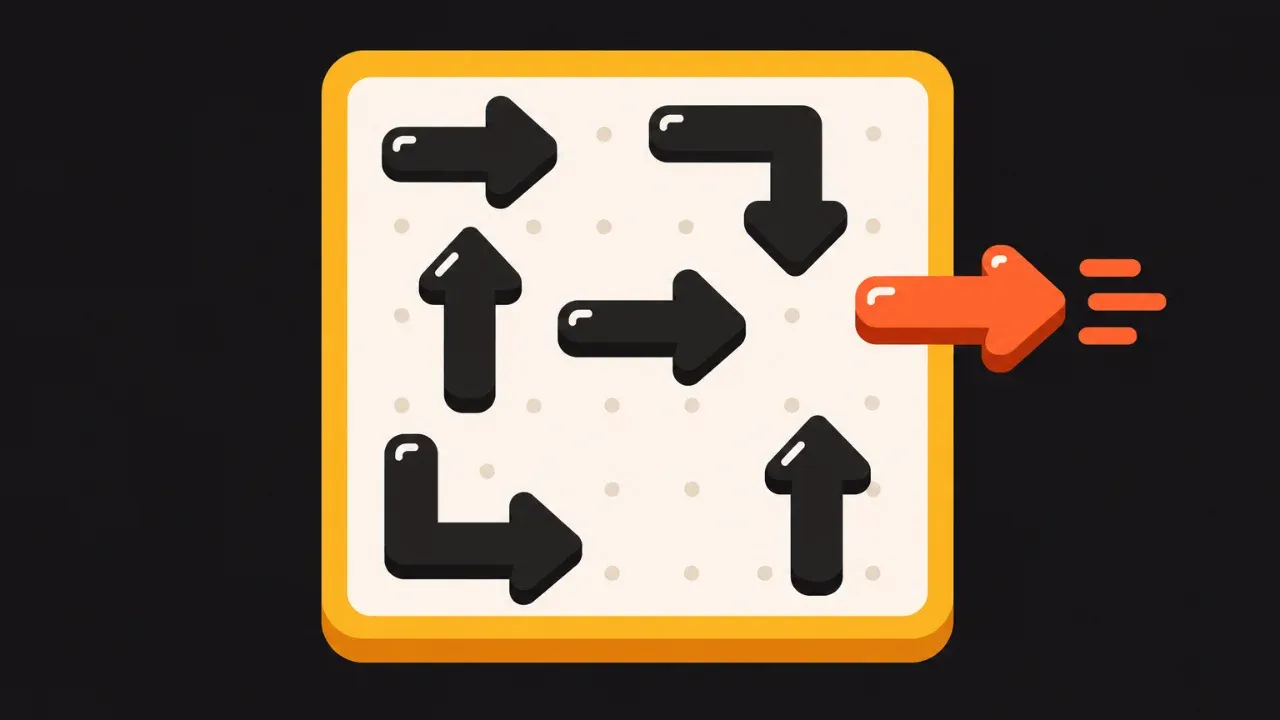
You tap an arrow, and it slides off the board in the direction its head points, unless another arrow blocks the way. Then it bumps and slides back. Clear every arrow and you’ve won. Trace each head to the edge, tap one with a clear path, and repeat. How arrow puzzles work walks through it.
Try it with Loopaway, a free arrow puzzle in your browser, with no timer.
Later levels get hard, so start with the early ones.
5. Merge puzzles
You drag an item onto a matching neighbour, and three of a kind become one of the next kind up. In Fogmerge, you merge seeds up into berry bushes. Dragging is gentle, and you aren’t racing a clock.
Try it with Fogmerge, a free merge puzzle in your browser where you drag matching plants together.
It gets hard when the board fills up and there’s no room left to merge. Want the habits that help? Read merge game tips.
6. Nonograms (picture crosswords)
You fill in squares using number clues on the sides of a grid, and the filled squares reveal a picture. A clue of “5” in a row of five squares fills the whole row. A clue of “3 1” fits only one way: three filled, a gap, one filled. Start with 5x5 grids.
Non Ishida, a Japanese graphics editor, won a Tokyo competition in 1987 and published three picture-grid puzzles in Japan in 1988, says the Puzzle Museum. James Dalgety coined the name “nonogram” in 1990. They get hard on big grids, so move up to 10x10 only once the overlap trick feels automatic. How to solve nonograms has a 5x5 example.
7. Mazes
You find a path from the entrance to the exit. The method’s one sentence: keep one hand on a wall and follow it. It’s low pressure, since you can always back out of a dead end.
That rule works for mazes without closed loops, and it won’t work if you start beside an isolated block of wall. How to solve a maze covers the fix.
8. Logic grid (zebra) puzzles
You get a short story of clues (“the green house is next to the one with the cat”) and a grid to fill with ticks and crosses until each house has its owner. It’s the slowest kind here, for when you want a longer challenge. Paper works well, since you can rub out a cross and you’re not stuck with it.
Where it gets hard: clues that only pay off after you’ve made two or three other deductions. Logic grid puzzles explains the three kinds of clue and gives a 3-house example to start on.
Which one to try first
Pick by what you already enjoy:
- You like words: a crossword or a word ladder.
- You like things tidy: a sliding tile puzzle or an arrow puzzle.
- You want something gentle and pretty: a merge puzzle.
- You like pictures: a nonogram.
Sudoku, jigsaws and solitaire are other puzzles you could try alongside these.
Want a screen to start on? Begin with the early levels of an arrow puzzle. Browse all the free puzzle games here: they’re free, they play in the browser on a phone, tablet or computer, and need no download or account.
Playing on a tablet or phone
Touch works on both EnjoGames puzzles: tap an arrow in Loopaway, or drag a finger to merge in Fogmerge. On big boards you can pinch to zoom, and both have a full-screen option. Progress saves in the browser on that device, so it won’t follow you from a tablet to a phone.
Plenty of older adults are online already. Pew Research Center’s 2026 survey found that 79% of U.S. adults 65 and older own a smartphone and that 89% use the internet.
Playing together
Puzzles work with company, too. You don’t have to play alone. Sit with a grandchild or a friend, share one screen and take turns tapping, or read crossword clues aloud and fill them in together. Curious what else is out there? Try types of puzzle games. For something with no screen at all, there are memory games for adults.
Are puzzles good for you?
They’re a pleasant way to spend a quiet half hour, and that’s the claim to rely on. The evidence on anything bigger is mixed. The WHO’s July 2026 guidelines recommend cognitive training and stimulation among many measures for adults with normal cognition or mild cognitive impairment, but the announcement doesn’t mention puzzle games. A leaflet from one NHS trust says that if you enjoy games and puzzles you should keep doing them, though they’re “unlikely to reduce risk of dementia”. So play for the enjoyment.
Frequently asked questions
What are the best puzzle games for seniors?
The best ones to start with have no timer, one rule you can say in a sentence and a cheap slip. Crosswords, word ladders, sliding tile puzzles, arrow puzzles, merge puzzles, nonograms, mazes and logic grid puzzles all fit, and a first pick depends on whether you like words, order, pictures or a gentle game.
Are puzzle games good for older adults?
They're a pleasant way to spend a quiet half hour, and that's the safe claim. The WHO's July 2026 dementia guidelines recommend cognitive training and stimulation among many measures, while one NHS trust leaflet says puzzles are unlikely to reduce dementia risk but are worth keeping up if you enjoy them.
What free puzzle games can seniors play online?
EnjoGames has two free puzzle games that run in the browser with no download or sign-up: Loopaway, an arrow puzzle, and Fogmerge, a merge puzzle. Both work on a phone, tablet or computer.
What is an easy puzzle game to start with?
A 5x5 crossword grid, a 3x3 sliding puzzle or the first levels of an arrow puzzle like Loopaway. Each has one rule you can say in a sentence, and none of them needs a clock.
Can seniors play puzzle games on a tablet?
Yes. Both EnjoGames puzzles work with touch in the browser, and a tablet gives you larger things to tap than a phone. In Pew Research Center's 2026 survey, 79% of adults 65 and older in the United States owned a smartphone and 89% used the internet.
Sources
- Loopaway: Free Arrow Puzzle Game, Play Online
- Fogmerge: Free Merge Puzzle Game, Play Online
- Americans' Use of Mobile Devices in 2026 (Pew Research Center)
- Americans' Use of Internet, Broadband in 2026 (Pew Research Center)
- Chrome keyboard shortcuts (Google Chrome Help)
- Keyboard shortcuts in Microsoft Edge (Microsoft Support)
- Change the font size or zoom level of web pages in Safari (Apple Support)
- Understanding SC 2.5.8: Target Size (Minimum) (W3C)
- New WHO guidelines: up to 45% of dementia risk could be prevented or delayed (WHO)
- Memory Assessment Service (Dorset HealthCare NHS Foundation Trust)
- First crossword puzzle (Guinness World Records)
- Doublets - A Word Puzzle - By Lewis Carroll (Lewis Carroll Resources)
- Sam Loyd's Fifteen (Cut The Knot)
- Origins of Cross Reference Grid & Picture Grid Puzzles (Puzzle Museum)